Are you using a SEPA xml credit transfer or direct debit software or application that does not allow you to mass upload your SEPA xml files from a csv file?
Well it turns out that there are an awful lot of SEPA xml Direct Debit and Credit Transfer software providers that do not provide such functionality.
Rest assured…SEPA XML GENERATOR to the rescue!
Yes, at SEPA XML GENERATOR there are two ways to upload and edit your customers, manually or using a cvs file. We recommend that if you have many customers, over 20, then using a csv file is the best way to manage your clients.
Why We Recommend Using a CSV File to Manage Your Direct Debit or Credit Transfer Clients?
- Its easier to edit your customers locally on your laptop or PC, search a name and change an amount or if you might need to change an account number. Ease of updating and management
- The room for error is much reduced. You know how many clients you have to generate a file against. Therefore when you upload the csv file it will only populate what is on the file.
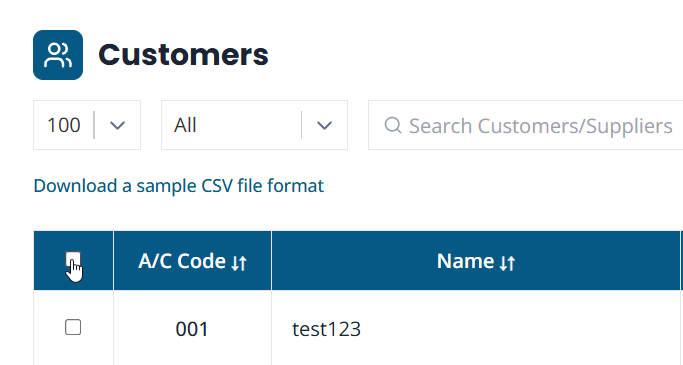
However, within the SEPA XML GENERATOR Application you may have one client, but two entries against that client. This can be done in error very easily, so, when you click the ‘select all’ checkbox, you may inadvertently select one client but that client might have two entries (amounts).
- Using a SEPA csv file is usually far more time efficient
- You will most likely have a copy of your csv file locally, so, its convenient to have a copy of this locally for future reconciliation if required.
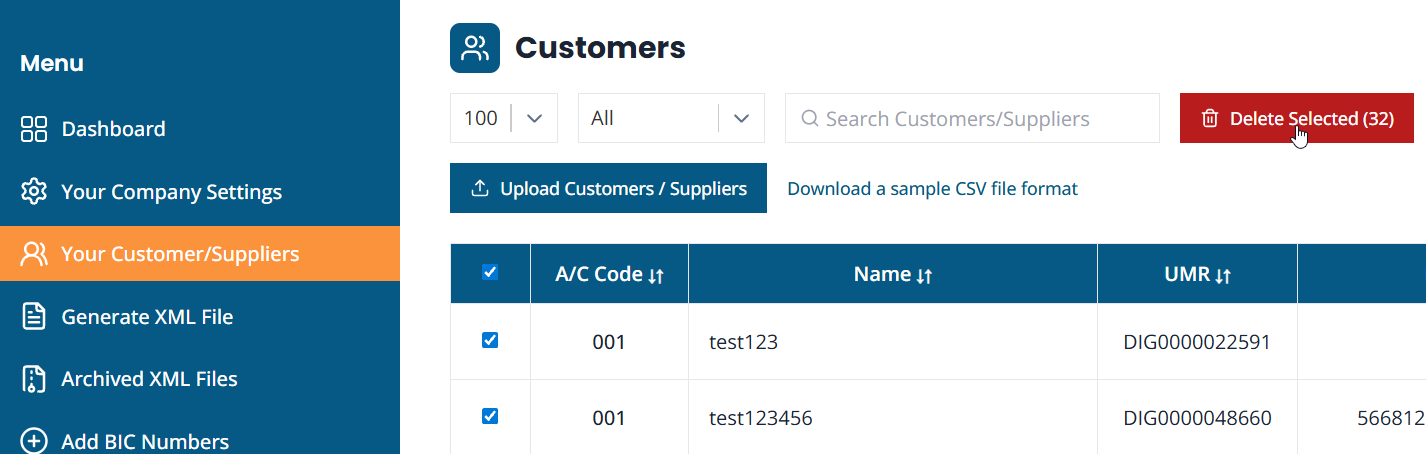
- Once you generate the xml csv file you can then ‘select all’ clients and then delete all records from your account. This has the added advantage of greater security, or security in your own hands. No data is then stored on the SEPA XML GENERATOR Application.
Here Are Samples of All Our CSV to SEPA XML Files for Direct Direct and Credit Transfers in Five Languages:
Sample CSV to SEPA XML Files for Direct Direct
- English – csv to SEPA xml files for Direct Debits
- French – csv to SEPA xml files for Direct Debits
- German – csv to SEPA xml files for Direct Debits
- Italian – csv to SEPA xml files for Direct Debits
- Portuguese – csv to SEPA xml files for Direct Debits
- Spanish – csv to SEPA xml files for Direct Debits
Sample CSV to SEPA XML Files for Credit Transfers
- English – csv to SEPA xml files for Credit Transfers
- French – csv to SEPA xml files for Credit Transfers
- German – csv to SEPA xml files for Credit Transfers
- Italian – csv to SEPA xml files for Credit Transfers
- Portuguese – csv to SEPA xml files for Credit Transfers
- Spanish – csv to SEPA xml files for Credit Transfers
So, if you are looking for a SEPA xml Direct Debit or Credit Transfer software provider with mass csv upload functionality, contact the team here and register for a free trial.