

SEPA XML GENERATOR Now Has Credit Transfer ‘Reference Number’ Functionality for Individual Credit Transfer Clients and Customers.
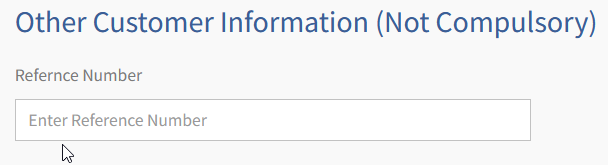
Also, our mass SEPA XML file upload functionality is now equipped with the same ‘Reference Number’ feature.

Updated CSV File Formats for Credit Transfers and Direct Debits
We have also updated our CSV SEPA Files with not only this new functionality but also uploaded and configured seperate file format types for both Credit Transfer csv files and also Direct Debit csv files.
Yet again, making the process less complication (not that it ever was!) but simplify this functionality.
For example, the Credit Transfer file does not include the ‘Date Signed’ field and the Direct Debit file does not include ‘Reference Number’ field. Removing any potential obstacles that our clients may come up against.
An Screengrab of the Credit Transfer CSV SEPA File:

You can download the new csv files for the SEPA XML GENERATOR software tool using the links below or simply login to your account and you will see the download link here:
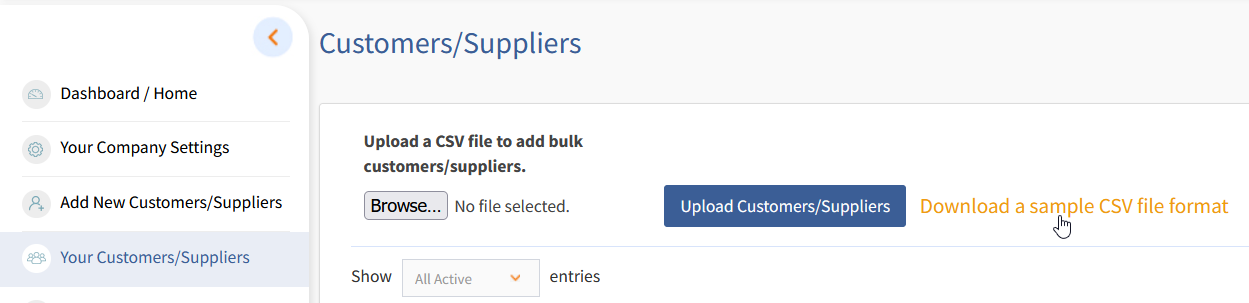
SEPA XML GENERATOR – Credit Transfer and Direct Debit Mass Upload Sample File Downloads:
SEPA XML GENERATOR – Credit Transfer cvs mass Customer & Client upload – File Download
SEPA XML GENERATOR – Direct Debit cvs mass Customer & Client upload – File Download
Trial our SEPA XML GENERATOR Free today for Direct Debit SEPA XML files and Credit Transfer SEPA XML file today…see this link to register for a free trial.